An address for each account
Use a different alias every time you sign up. Keep your main address for the people you actually want to hear from.
 A little more privacy. A lot less noise.
Keep your main email to yourself. Give every shop, newsletter, and account its own address with CatchNone.
For iPhone, iPad, and Mac
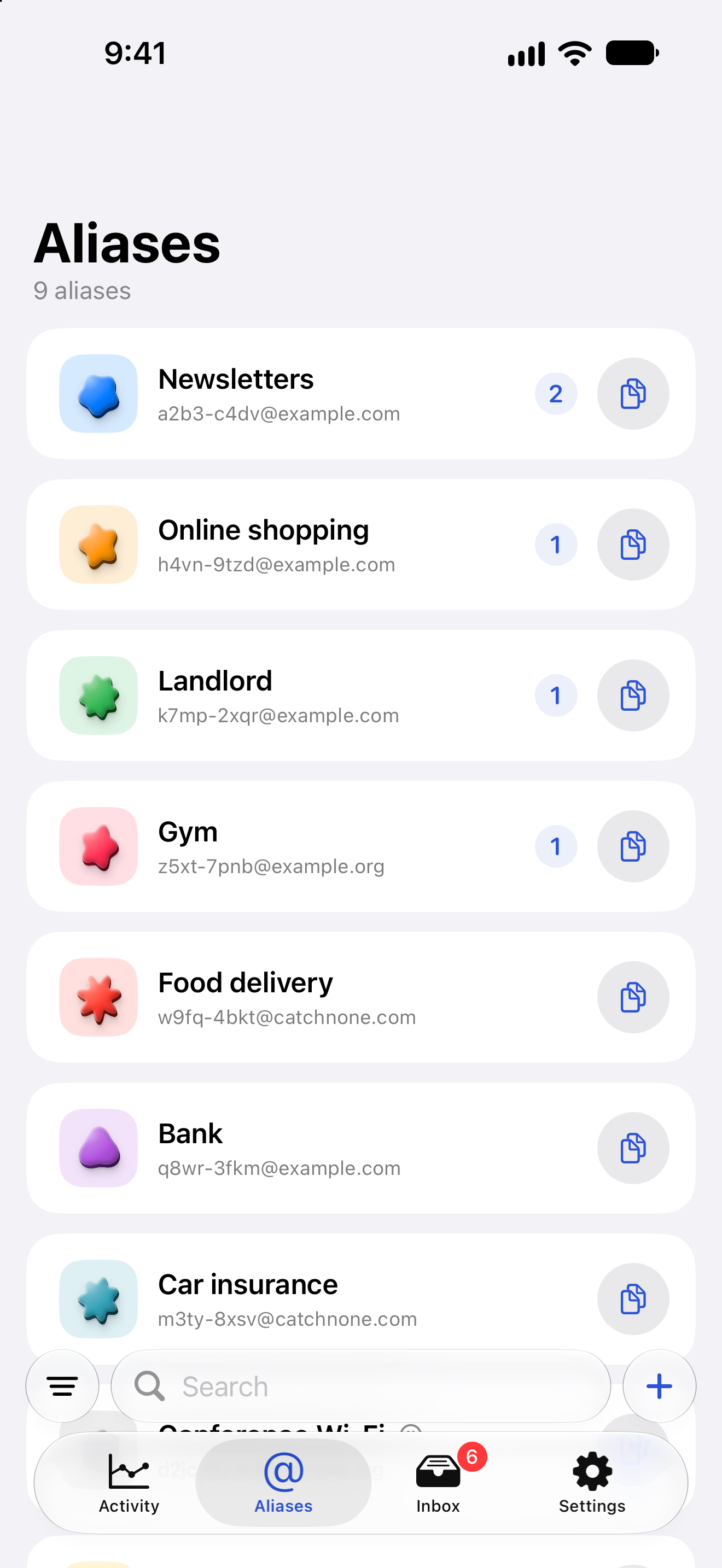
Small change. More control.
Use a different alias every time you sign up. Keep your main address for the people you actually want to hear from.
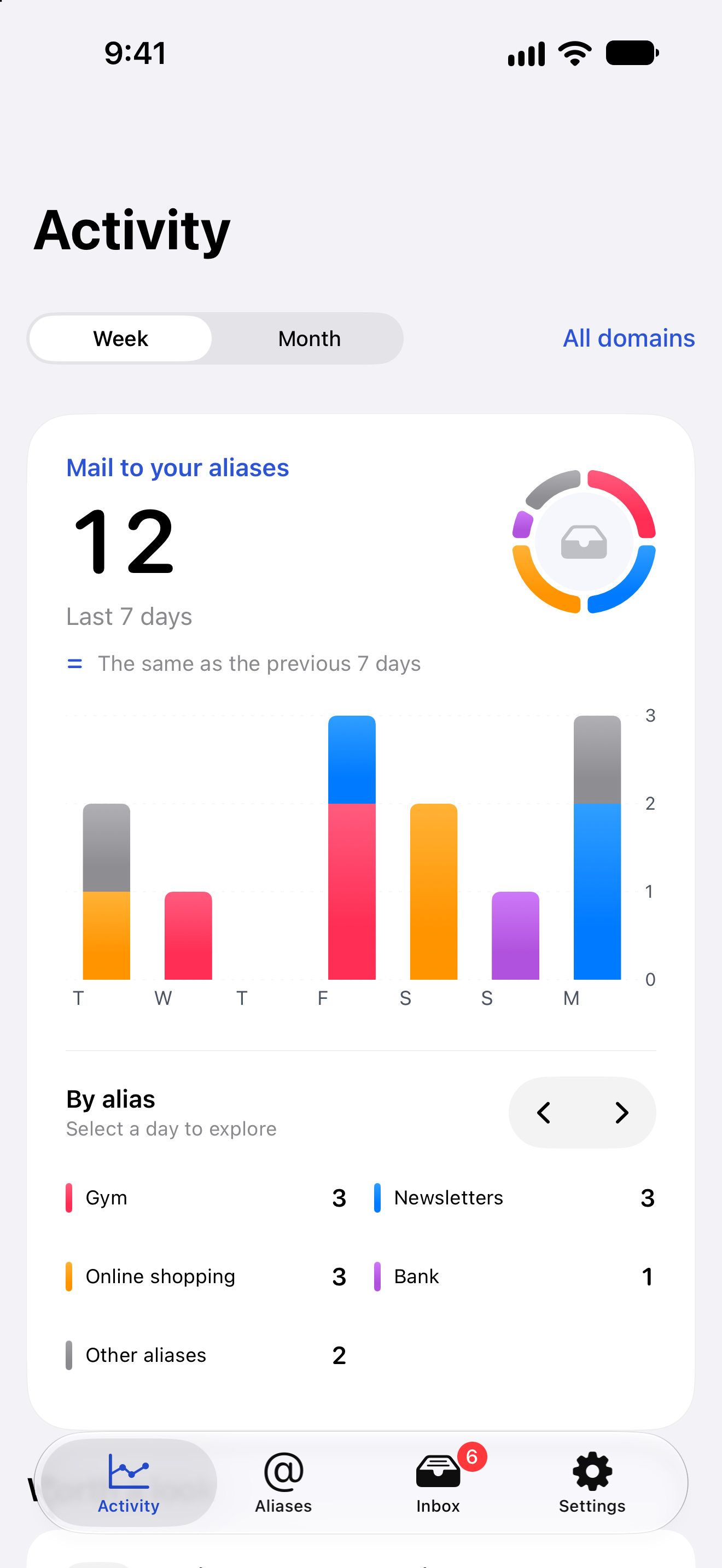
When unwanted mail arrives, see which alias it reached. No more wondering which address you gave to whom.
Get going with @catchnone.com, or use a domain you own. Choose the setup that fits you.
Give aliases a name, choose their format, and keep them organized. The right address is always easy to find.
How it works
Start instantly with CatchNone, or connect your own domain and mailbox.
Give it a name you’ll recognize, like Shopping or Newsletters. CatchNone makes the address.
Copy, paste, and carry on. Next time you need an address, make a fresh one.
Create an alias on your iPhone. Find it again on your Mac. Your aliases and domains stay in sync with iCloud, in an app made for your devices.
The journal
So many spam emails all of a sudden? Rule out an email bomb hiding fraud first, then match what you see to a hacked account, a breach, a list sale, or spoofing.
Find out who sold or leaked your email address: read the headers, check Have I Been Pwned, send GDPR or CCPA requests, and make the next leak name itself.
What an email alias is: the five kinds with examples, alias vs forwarding, who can reply from one, whether it can be traced, and where not to use one.